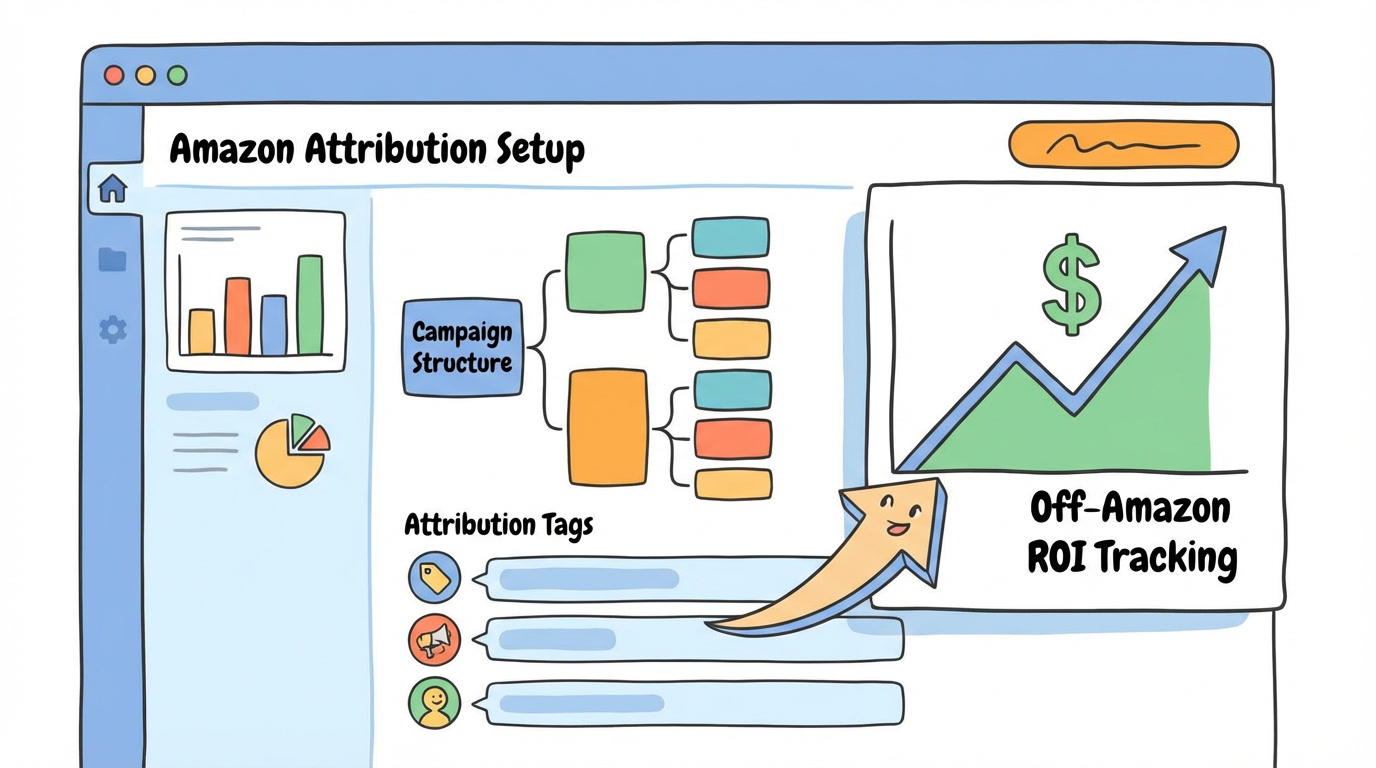
You're spending thousands on Google Ads, Facebook campaigns, influencer partnerships, and email marketing. Money leaves your account every month.
But here's the problem: you have no idea which dollars actually drive Amazon sales.
I see this constantly in audits. A seller invests $15k/month across four external channels, can't attribute a single conversion, and keeps "gut-feeling" their way through budget allocation. That's not marketing strategy. That's gambling.
Amazon Attribution fixes this. It's a free tool that connects your off-Amazon marketing efforts directly to Amazon sales data. And most 7-figure sellers either don't know it exists or haven't set it up properly.
This guide walks you through the complete setup process—step by step—so you can finally track what's working, cut what isn't, and shift budget toward profitable channels.
What Is Amazon Attribution (And Why 7-Figure Sellers Need It)
Amazon Attribution is Amazon's free measurement solution that tracks how your non-Amazon marketing channels drive shopping activity and sales on Amazon [1].
Think of it as closing the loop between external traffic and your Amazon revenue.
Without it, you're flying blind. Your Google Ads dashboard shows clicks. Facebook shows engagement. Your email platform shows open rates. But none of them tell you what actually matters: did those clicks turn into Amazon purchases?
Attribution tags let you track:
Which external channels generate Amazon sales
Cost-per-acquisition by channel
Return on ad spend for off-Amazon campaigns
Which creative, audience, or campaign drives the most revenue
For sellers running omnichannel strategies—especially those preparing for an exit—this data isn't optional. Acquirers want to see diversified, trackable traffic sources with clear ROI [2].
The 14-Day Last-Touch Attribution Model Explained
Before diving into setup, you need to understand how Amazon Attribution actually works.
Amazon uses a 14-day last-touch attribution model [3]. Here's what that means:
A customer clicks your attribution-tagged link
They have 14 days to make a purchase
The last tagged link they clicked gets credit for the sale
Why this matters for your reporting:
If a customer clicks your Facebook ad on Monday, then clicks your Google ad on Wednesday, and purchases on Friday—Google gets the credit. The last touch wins.
This affects how you interpret data. A channel might be doing heavy lifting in awareness and consideration but getting zero attribution credit because another channel closes the deal.
Keep this in mind when analyzing reports. Don't immediately kill a channel that looks weak—it might be feeding conversions elsewhere in your funnel.

Step-by-Step Amazon Attribution Setup
Let's get this configured properly. The whole process takes about 30 minutes if you follow these steps.
Step 1: Access Amazon Attribution
Log into your Amazon Ads Console (advertising.amazon.com)
Navigate to Measurement & Reporting in the left sidebar
Select Amazon Attribution
Note: You need to be enrolled in Amazon Brand Registry to access Attribution [4]. If you're not seeing the option, verify your brand registration status first.
Step 2: Create Your Campaign Structure
Think of your campaign structure like your PPC campaigns—organization matters.
Best practice: Create one campaign per marketing channel.
Campaign: Google Ads
Campaign: Facebook/Instagram
Campaign: Email Marketing
Campaign: Influencer Partnerships
Within each campaign, create ad groups for specific initiatives:
Example for Google Ads campaign:
Ad Group: Brand Search
Ad Group: Competitor Keywords
Ad Group: Generic Keywords
Example for Influencer campaign:
Ad Group: Influencer Name 1
Ad Group: Influencer Name 2
This granularity lets you see exactly which influencer, which email sequence, or which Google ad group drives sales.
Step 3: Generate Attribution Tags
This is where the magic happens.
Inside your campaign, click Create Ad Group
Name your ad group (be specific—you'll thank yourself later)
Select the ASIN(s) you want to track
Choose your Publisher (Google Ads, Facebook, Email, etc.)
Select the Channel type
Click Create
Amazon generates a unique attribution tag—a tracking URL that looks something like this:
https://www.amazon.com/dp/B0XXXXXXXX?maas=maas_adg_api_XXXXXXXXX
Generate a separate tag for every distinct traffic source you want to track. One tag per ad, per influencer, per email campaign. More tags = more granular data.
Step 4: Implement Tags Across Channels
Now deploy these tags everywhere you're driving external traffic to Amazon.
Google Ads Implementation:
In Google Ads, navigate to your campaign
Edit your ad's final URL
Replace your standard Amazon product link with your attribution-tagged URL
Save and publish
Facebook/Instagram Implementation:
In Ads Manager, edit your ad
Update the destination URL to your attribution tag
For organic posts with links, use the attribution URL in your bio or post
Email Marketing Implementation:
In your email platform (Klaviyo, Mailchimp, etc.)
Replace all Amazon product links with attribution-tagged URLs
Consider creating unique tags for different email sequences
Influencer Implementation:
Generate a unique attribution tag for each influencer
Provide them with their specific tracking link
Have them use it in bio links, Stories swipe-ups, and post captions
Pro tip: Create a spreadsheet tracking which tag belongs to which source. When you're managing 20+ tags, organization prevents chaos.

Reading Your Amazon Attribution Reports
Data without interpretation is just noise. Here's how to extract actionable insights.
Key Metrics to Monitor
Click-throughs: How many people clicked your attribution link. This measures traffic volume.
Detail Page Views (DPV): How many people landed on your product page. Compare to clicks—a big gap indicates link friction or slow load times.
Add to Cart: How many added your product to cart. This signals purchase intent.
Purchases: Actual conversions. The metric that matters most.
Total Sales: Revenue attributed to each channel/campaign/ad group.
Calculating True Channel ROI
Here's where you connect attribution data to profit.
Formula:
Channel CPA = Total Channel Spend ÷ Attributed Purchases
Example:
Google Ads Spend: $3,000/month
Attributed Purchases: 150
CPA: $20 per acquisition
Now compare against your product profit margin. If your net profit per unit is $15 and your CPA is $20, that channel is losing money at the unit level.
But factor in customer lifetime value. If that customer reorders 3x over 12 months, your effective CPA drops to $6.67 per purchase. Suddenly profitable.
Run this calculation for every channel. Rank them by true profitability, not vanity metrics.
Optimizing Budget Allocation Based on Attribution Data
Once you've collected 30-60 days of data, you can make informed budget decisions.
The Reallocation Framework
Identify your most profitable channel (lowest CPA relative to profit margin)
Identify your least profitable channel (highest CPA, lowest conversion rate)
Shift 20-30% of underperforming channel budget to your winner
Monitor for 2-4 weeks
Repeat
When to Kill a Channel
A channel isn't working if:
CPA exceeds 2x your profit margin with no LTV upside
Conversion rate is under 1% after 1,000+ clicks
It's been 60+ days with no improvement trend
Don't be sentimental about channels. Data decides what lives and dies.
When to Scale a Channel
A channel deserves more budget if:
CPA is under 50% of your profit margin
Conversion rate exceeds 3%
It hasn't hit diminishing returns (watch for CPA creep as you scale)
Increase budget in 20% increments. Monitor CPA closely. Scale until efficiency degrades, then hold.
Tying Attribution to Your Profit-First PPC Strategy
External traffic and Amazon PPC aren't separate strategies—they're interconnected.
Strong external traffic improves your organic ranking, which reduces your dependence on PPC [5]. Better organic rank means lower TACoS.
Use Attribution data to calculate your blended customer acquisition cost:
Blended CAC = (PPC Spend + External Marketing Spend) ÷ Total Orders
If your blended CAC is climbing, you've got a leak somewhere. Attribution helps you find it.
This is exactly the kind of profit-focused analysis we do in the Profit Feedback Loop—aligning all acquisition channels toward maximum net profit, not just top-line revenue.
Ready to Stop Guessing and Start Tracking?
Amazon Attribution is free. Setup takes 30 minutes. And it gives you visibility into spend that's been a black box for years.
If you're running external traffic without attribution, you're making budget decisions with incomplete data. That's how profit leaks happen.
Set this up today. Collect 30 days of data. Then make ruthless, data-driven decisions about where your marketing dollars go.
Want to see how your current ad spend stacks up? Use our Wasted Ad Spend Calculator to find the leaks in your PPC campaigns—then apply the same profit-first thinking to your external channels.
Or if you want a complete audit of your Amazon advertising ecosystem—PPC and external traffic included—book a call and let's find where your profit is hiding.
Frequently Asked Questions
How long does it take for Amazon Attribution data to appear?
Attribution data typically shows up within 48-72 hours, though Amazon states it may take up to 72 hours for full reporting. Don't make optimization decisions on data less than a week old—you need enough volume for statistical significance.
Can I use Amazon Attribution for organic social posts, not just paid ads?
Absolutely. Generate attribution tags for your Instagram bio link, TikTok profile, YouTube descriptions, and any organic post that links to Amazon. Organic traffic tracking is just as valuable as paid—often more so for influencer partnerships.
Does Amazon Attribution work for Seller Central and Vendor Central accounts?
Yes, Amazon Attribution is available for both professional sellers enrolled in Brand Registry (Seller Central) and vendors (Vendor Central). The setup process is nearly identical regardless of your account type [1].
What's the difference between Amazon Attribution and Brand Referral Bonus?
Amazon Attribution tracks performance. Brand Referral Bonus pays you for external traffic—typically around 10% of attributed sales [6]. They work together: Attribution measures the traffic, and Brand Referral Bonus rewards you for it. Use both.
Can I track Amazon Attribution conversions in Google Analytics?
Not directly integrated. Attribution data lives in Amazon's console. However, you can use UTM parameters alongside attribution tags to track click behavior in GA before users land on Amazon, then reconcile with Amazon's conversion data manually.
About PPC Maestro
PPC Maestro is led by Bernard Nader, a profit-first Amazon PPC specialist who has managed millions in ad spend for 7-figure Amazon sellers. Bernard's approach—built around the Profit Feedback Loop methodology—focuses on cutting wasted spend, protecting contribution margins, and driving sustainable profit growth. His frameworks and SOPs have helped sellers reduce unprofitable ad spend while scaling revenue. Bernard regularly shares tactical insights on YouTube and at Amazon industry events.
Works Cited
[1] Amazon Advertising — "Amazon Attribution." https://advertising.amazon.com/solutions/products/amazon-attribution
[2] Jungle Scout — "The State of the Amazon Seller Report." https://www.junglescout.com/amazon-seller-report/
[3] Amazon Advertising — "Amazon Attribution Measurement Methodology." https://advertising.amazon.com/resources/ad-policy/amazon-attribution
[4] Amazon — "Brand Registry Eligibility Requirements." https://brandservices.amazon.com/brandregistry/eligibility
[5] Helium 10 — "How External Traffic Affects Amazon Ranking." https://www.helium10.com/blog/external-traffic-amazon/
[6] Amazon Seller Central — "Brand Referral Bonus Program." https://sellercentral.amazon.com/help/hub/reference/G program/